PRODUCT TOUR
A closer look at the Motoro workshop dashboard: the same screens real shop owners use every day to manage bookings, services, invoices, parts lookups and results.
INSIDE THE DASHBOARD
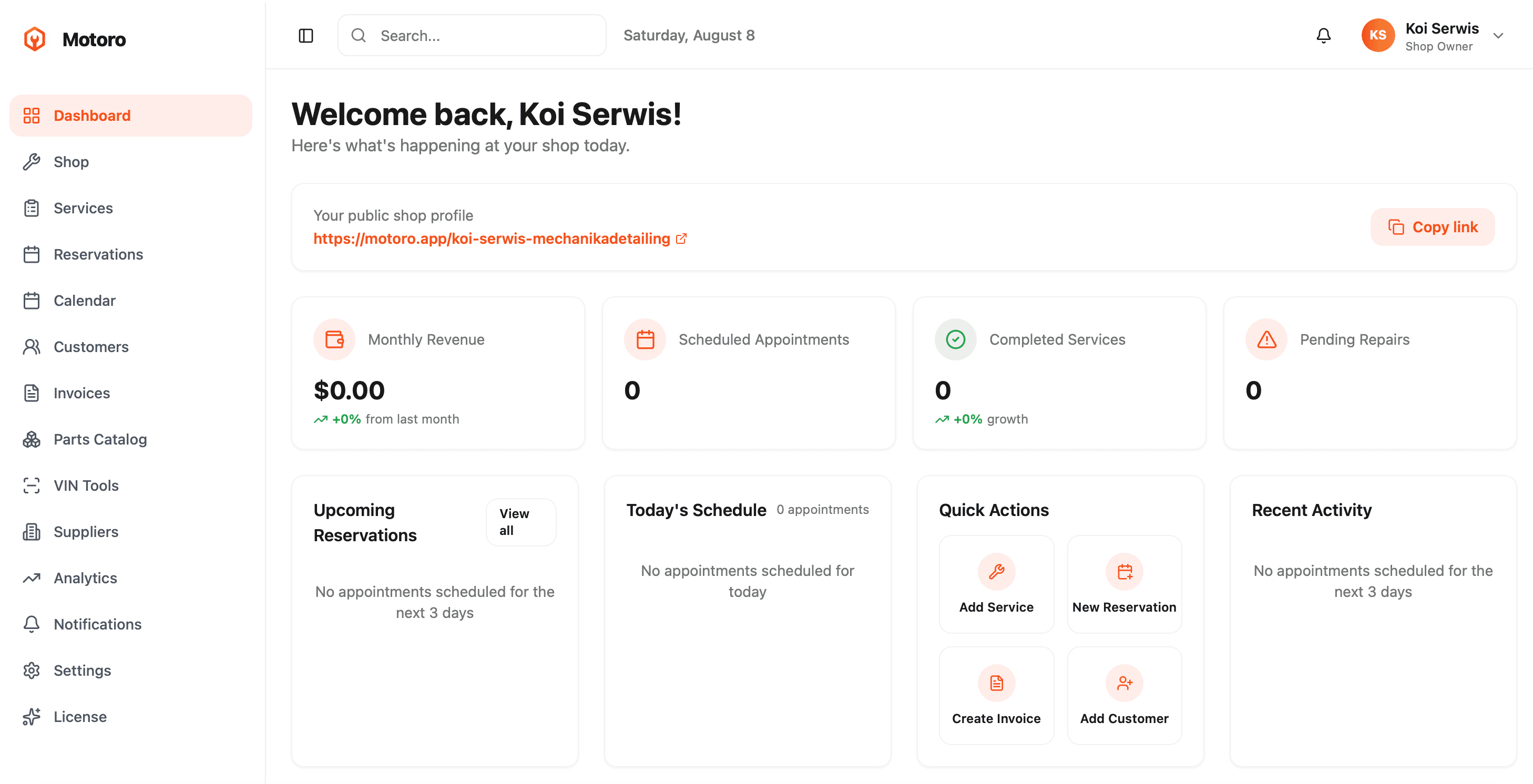
The moment you log in, Motoro shows you what matters today: monthly revenue, scheduled appointments, completed services and pending repairs, each with a quick trend indicator. Below that, upcoming reservations, today's full schedule, and one-click quick actions to add a service, create a new reservation, issue an invoice or add a customer, so the next task is never more than a click away. A recent activity feed keeps you aware of what happened in the shop without digging through separate screens. Your public shop profile link sits right at the top of the dashboard with a one-click copy button, ready to share on social media, Google Business, or with a customer over text.
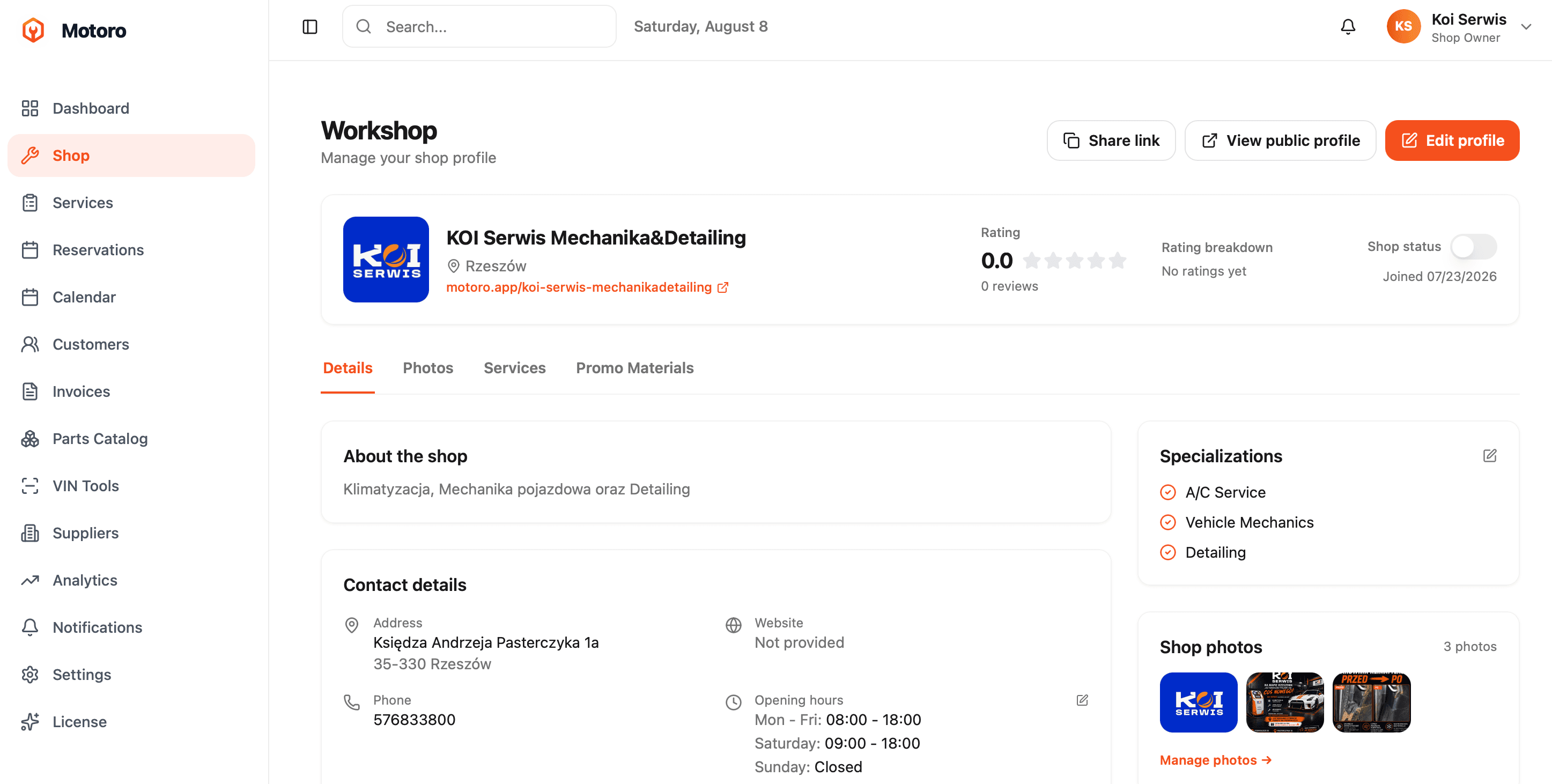
Your workshop profile is what customers see before they ever call or book. Motoro gives you full control over it: business description, specializations (the exact service categories you work in, shown to customers as trust signals), address, phone, website, and opening hours, all editable in a few clicks. A rating and review summary sits front and center, along with a shop status toggle so you can mark your listing open or temporarily paused. The Photos tab lets you build a gallery that shows real work, before and after shots, and your storefront, while separate Services and Promo Materials tabs keep your offer and marketing assets organized without leaving the profile page.
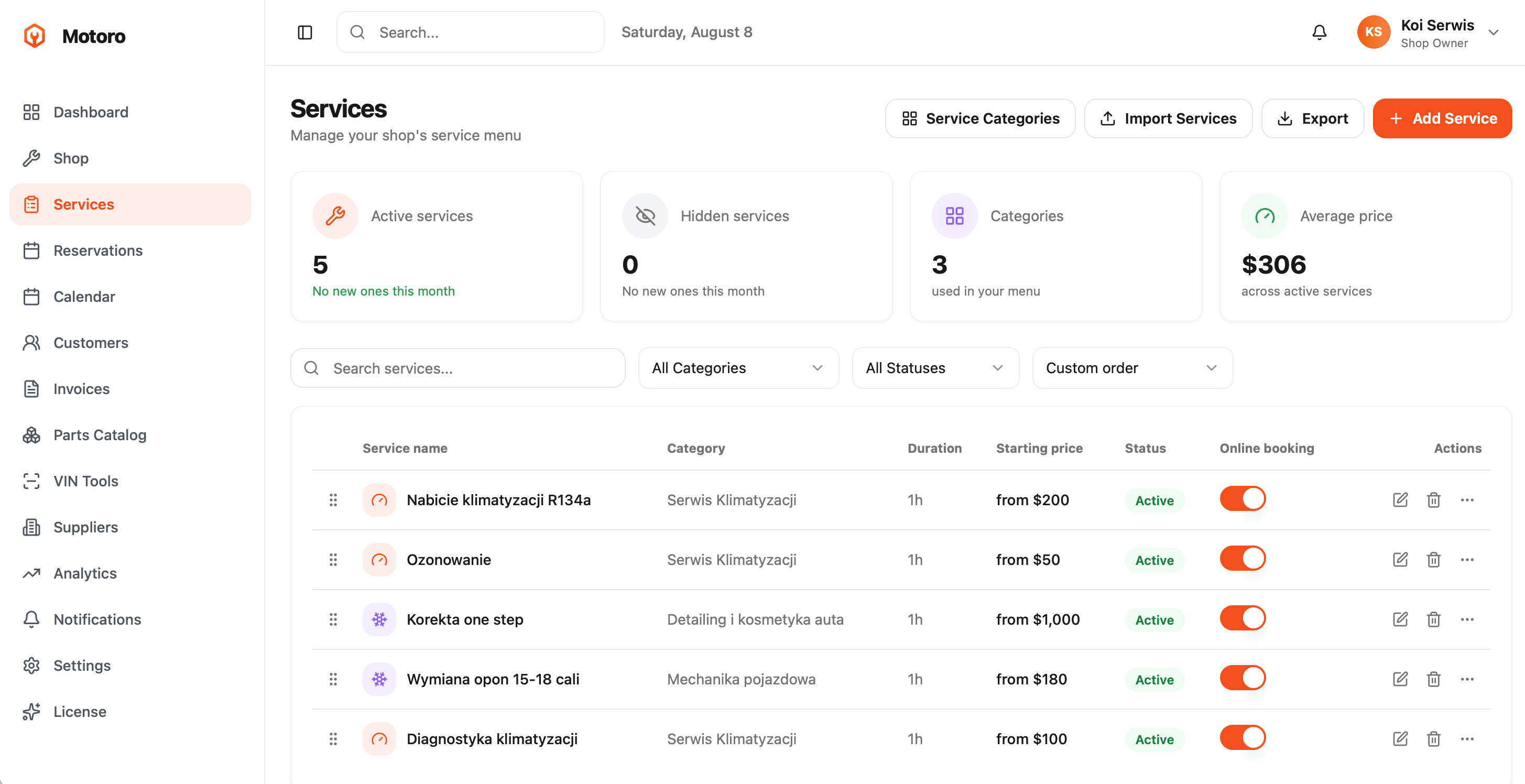
The Services page is where your price list lives. Every service has a category, duration, and starting price, and can be toggled on or off for online booking independently of whether it is active in your menu. Stat cards at the top track active services, hidden services, how many categories you use, and your average price across active services, so you can spot gaps at a glance. Search, category and status filters make it fast to manage a long menu, and a custom sort order lets you decide which services customers see first. Bulk import and export via CSV means you can build or update your entire menu from a spreadsheet instead of typing every line by hand.
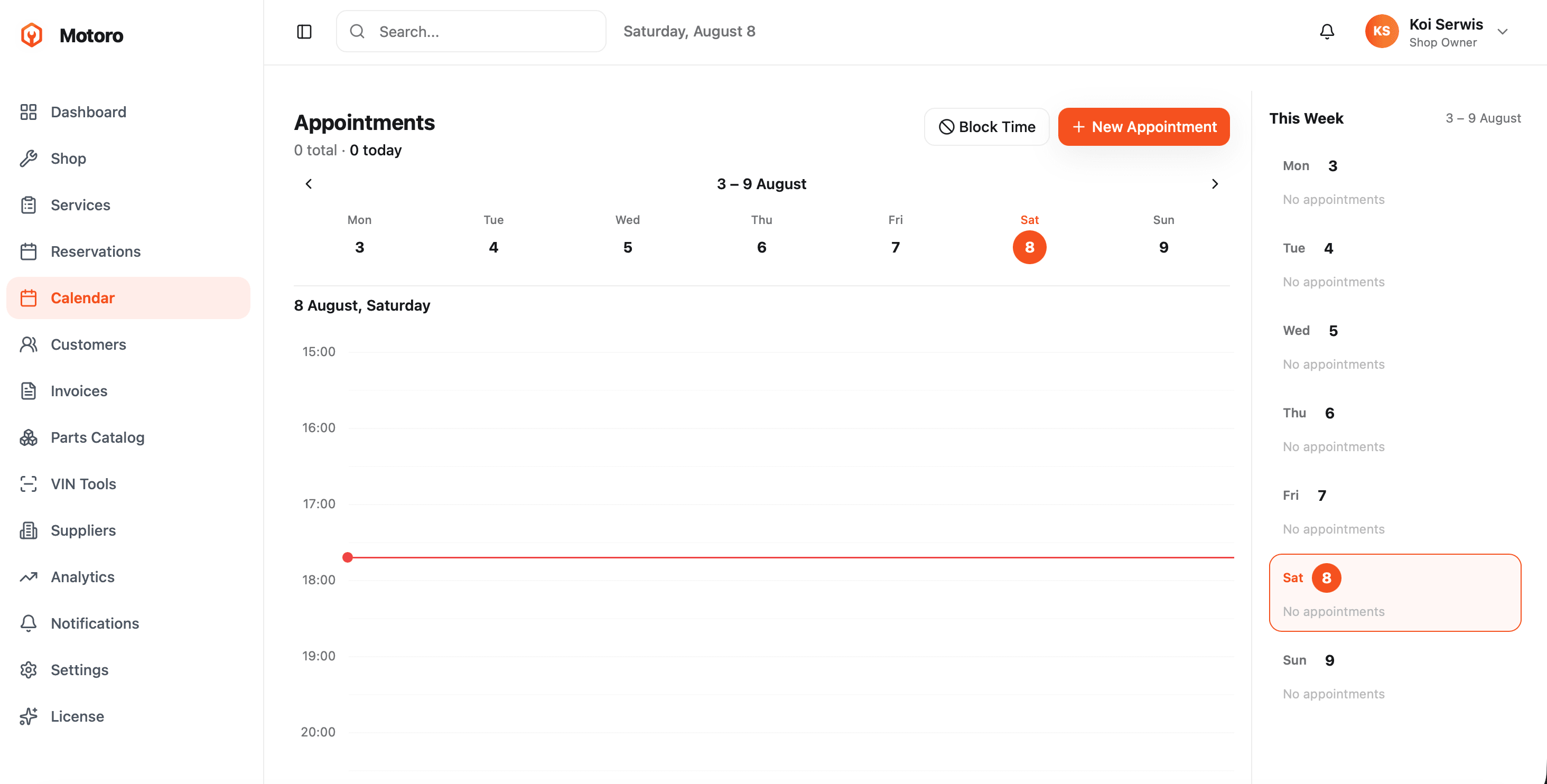
The calendar shows your week as a grid, Monday through Sunday, with a live time indicator so you always know where you stand against today's schedule. A sidebar summarizes the week day by day, so you can see at a glance which days are packed and which have room for a walk-in. Blocking time off, for a lunch break, a supplier delivery, or a day the shop is closed, takes one click, and it immediately removes that slot from what customers can book online. New appointments can be added directly from the calendar, whether they came in by phone, walked in, or were booked by the customer themselves.
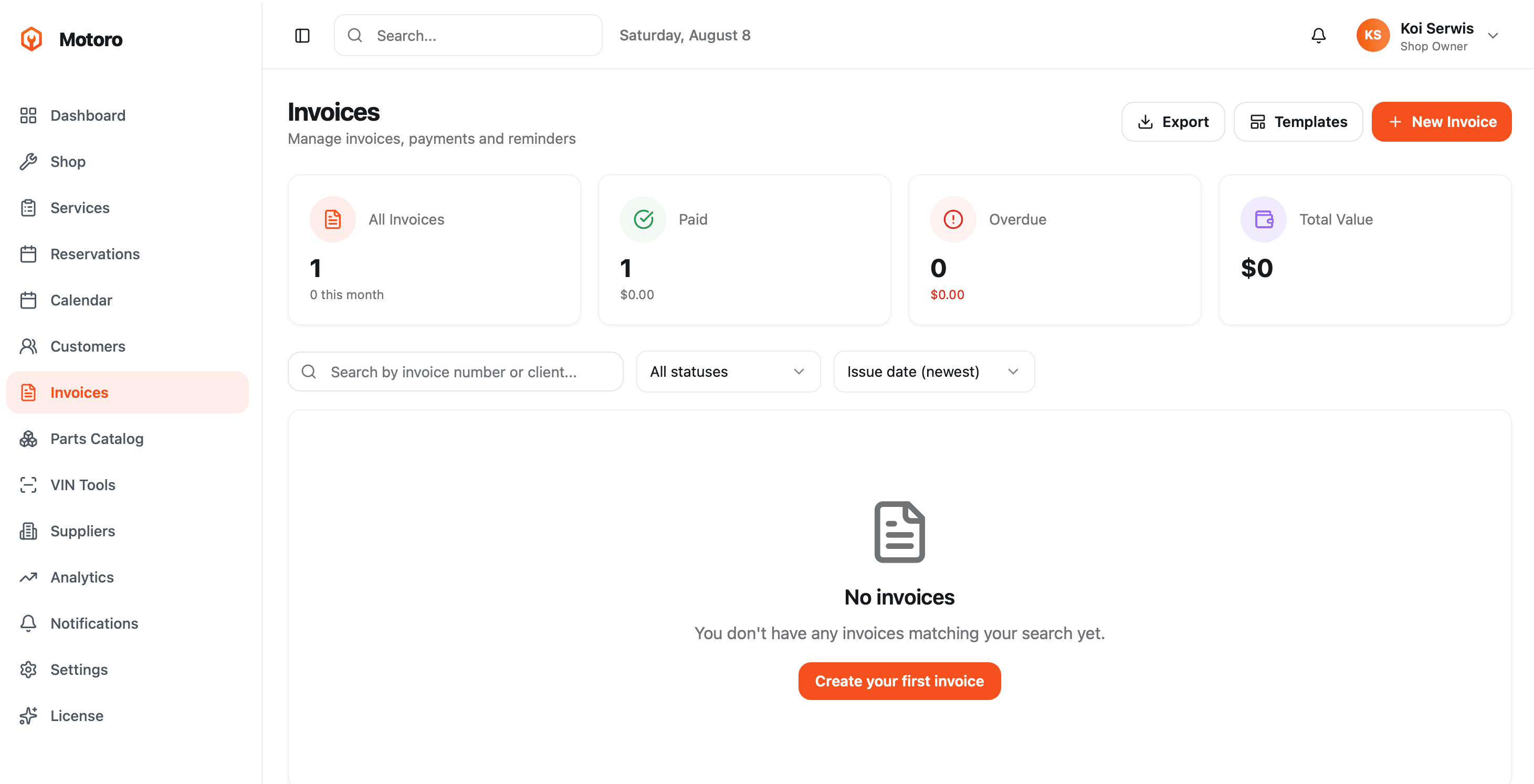
Motoro turns invoicing into a page you actually want to open. Stat cards summarize all invoices, how many are paid, how many are overdue, and total value at a glance, so you know your cash position before you open a single line item. You can search by invoice number or client, filter by status, and sort by issue date. New invoices can be built for an existing customer in your database or a one-off manual client, and Motoro can send automated payment reminders so you spend less time chasing unpaid bills. Everything can be exported, and invoice templates keep your billing looking consistent and professional.
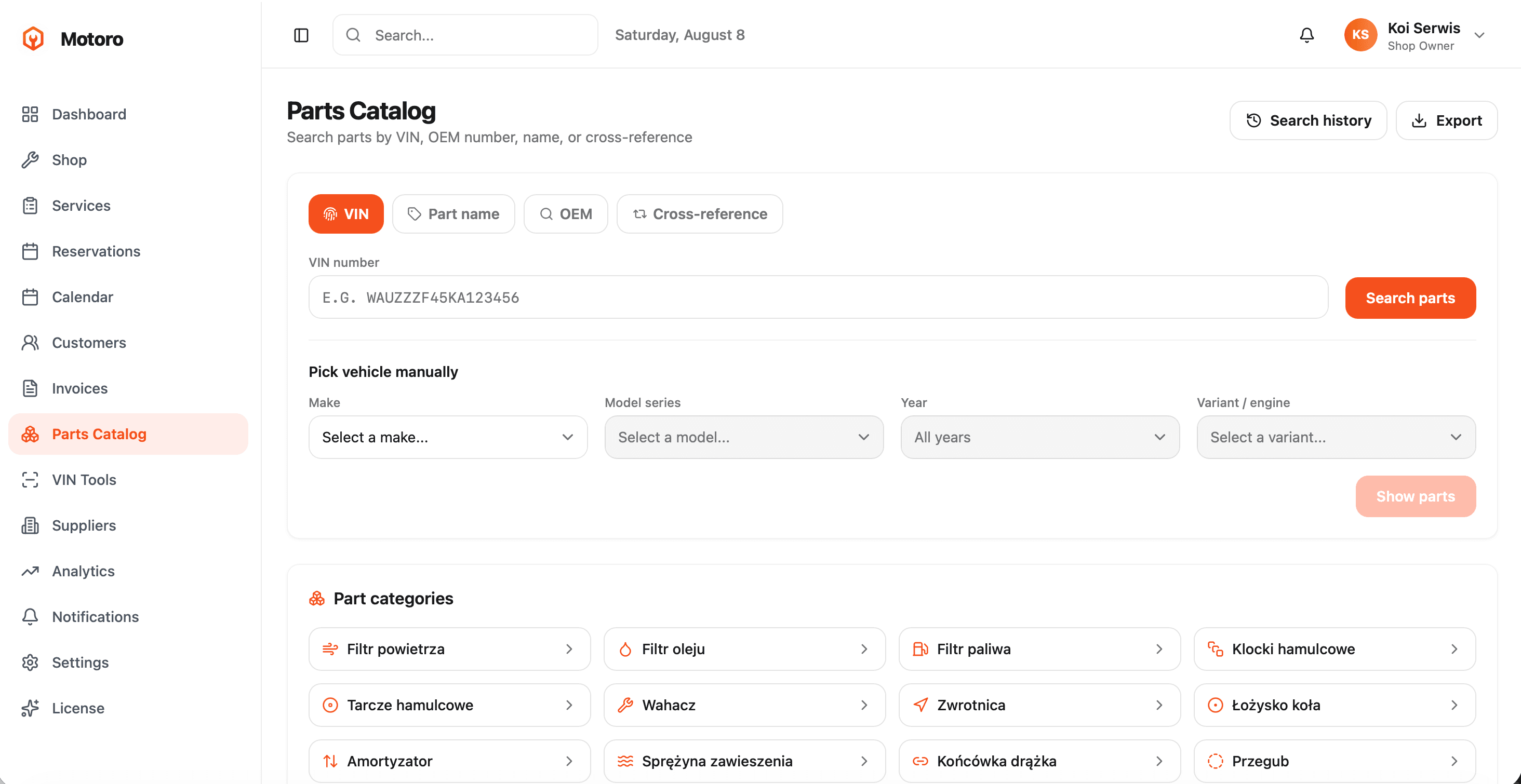
The Parts Catalog connects your shop to a full TecDoc-backed parts database. Search by VIN to pull the exact parts that fit a specific vehicle, by OEM number, by part name, or by cross-reference when you only have a competitor's part number. If you would rather not type a VIN, you can pick the vehicle manually by make, model series, year and variant or engine, then browse matching parts directly. Below the search, a grid of common part categories, brake pads, brake discs, control arms, steering knuckles, wheel bearings, shock absorbers, coil springs, tie rod ends, CV joints and more, gives you a fast way to jump straight to what you are usually looking for. A search history keeps your recent lookups one click away, and results can be exported.
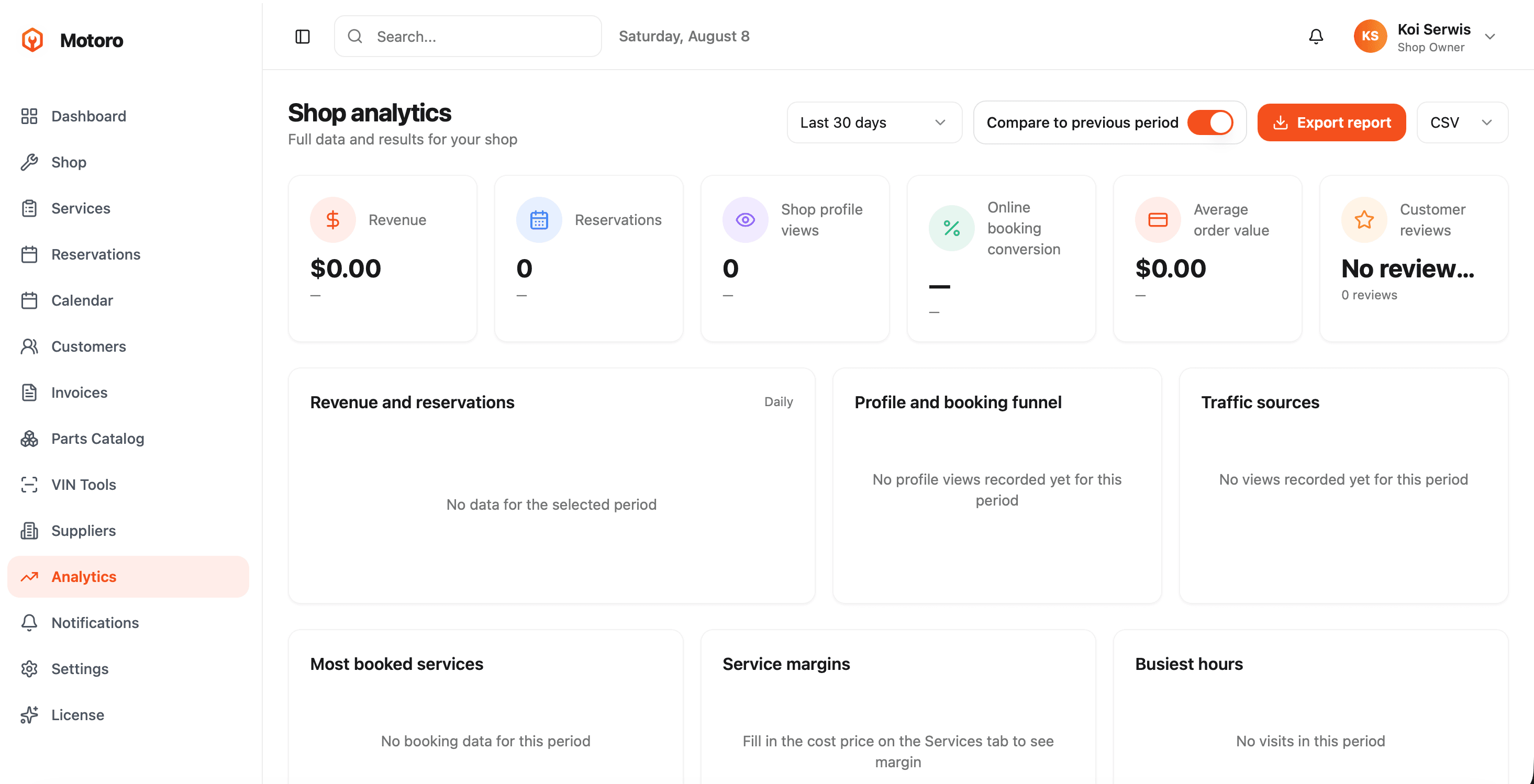
Shop analytics turns your day-to-day activity into numbers you can act on. Pick a date range, last 30 days or a custom period, and compare it against the previous period to see whether you are trending up or down. Headline stats cover revenue, reservations, shop profile views, online booking conversion, average order value and customer reviews. Below that, a revenue and reservations chart tracks daily performance, a profile and booking funnel shows where visitors drop off between viewing your profile and completing a booking, and a traffic sources breakdown shows where your customers are actually coming from. Most booked services and service margins, once you fill in your cost price, help you see which parts of your menu are genuinely profitable, and a busiest hours view helps you staff and schedule around your real demand. A full report can be exported to CSV at any time.
Yes. Motoro combines online booking, a service menu, a scheduling calendar, invoicing, a VIN-based parts catalog and shop analytics in one dashboard, so you do not need separate tools for each.
No. Motoro runs in your browser and is also available as a mobile app, so you can manage your shop from a desktop at the counter or a phone in the bay.
Yes. Every service you mark for online booking becomes bookable directly from your public profile, and appointments land straight on your calendar.
Yes. You can create invoices for existing customers or one-off clients, track paid and overdue amounts, and send automated payment reminders.
It searches a TecDoc-backed parts database by VIN, OEM number, part name or cross-reference, so you can confirm the exact part for a specific vehicle before you order it.
Pricing details are on our page for workshops, including a free trial to get started.
Join free and set up your dashboard in minutes. No credit card required.
Register Your Workshop